LCC Specialist Service
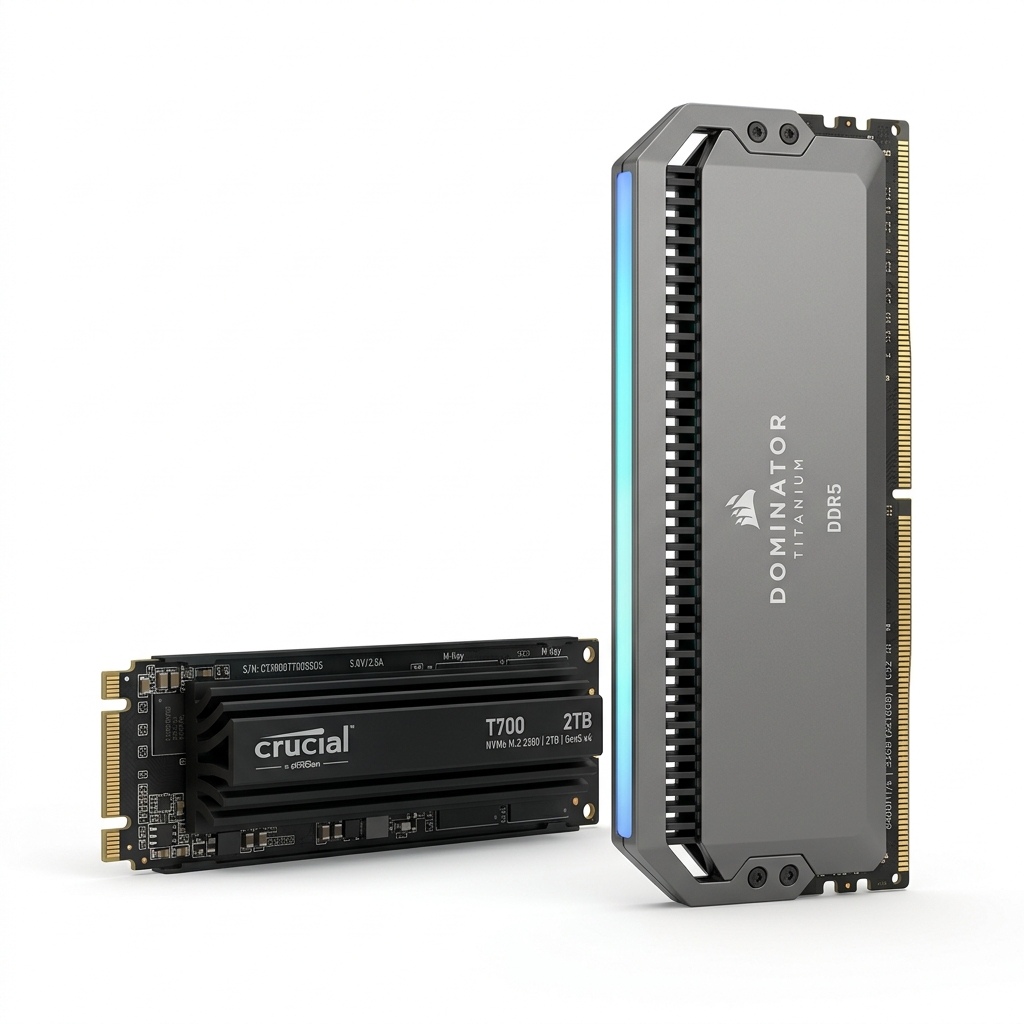
RAM & SSD Upgrades
Make your old system up to 10x faster with modern storage
Breathe new life into your existing computer. Upgrading from a mechanical hard drive (HDD) to a Solid State Drive (SSD) makes computers up to 10x faster. Pairing it with a RAM upgrade guarantees seamless multitasking. We also perform thermal servicing—clearing dust blocks and applying premium Arctic MX-4 thermal paste to keep temperatures low.
When Do You Need This?
Bring your system if it displays any of these symptoms for a free, no-obligation diagnosis.
Laptop takes minutes to boot up and loads apps slowly
System hangs, freezes, or shows spinning wheel during multitasking
Hard disk showing 100% disk usage in Task Manager
Laptop runs extremely hot or fan makes loud whirring noises
How It Works
We believe in absolute transparency. Here is our step-by-step diagnostic and repair process.
Performance Assessment
We inspect your system's bottleneck (RAM capacity, HDD health, or CPU thermal throttling).
Dust & Heatsink Cleaning
We clear dust blocks out of the fans, clean heatsinks, and replace dried-up factory paste with premium Arctic MX-4.
SSD/RAM Hardware Slotting
We install premium high-speed Crucial, Kingston, or Samsung SSDs and RAM chips in their respective slots.
OS Migration & Benchmark
We clone your old drive data exactly to the new SSD so you don't lose files, then run speed benchmarks.
Frequently Asked Questions
Common questions answered about our RAM & SSD Upgrades service.
Will I lose my files if I upgrade to an SSD?
No! We perform professional sector-by-sector cloning, which transfers your exact OS, files, apps, and settings onto the new fast SSD.
Is RAM upgrade necessary for speed?
RAM allows you to run multiple apps (Chrome, Excel, Word, etc.) simultaneously without lag, while SSD increases overall file loading and boot speed. Together they make old systems feel like new.
How much faster will my laptop become?
Upgrading from an HDD to a Solid State Drive typically results in boot times under 15 seconds and a 5x to 10x increase in overall performance.